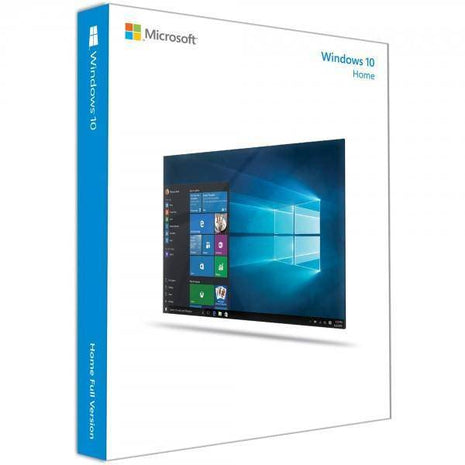
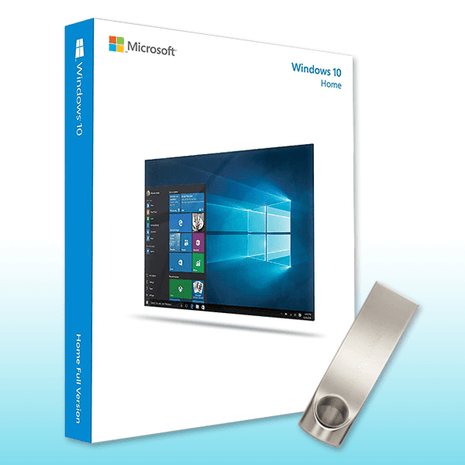
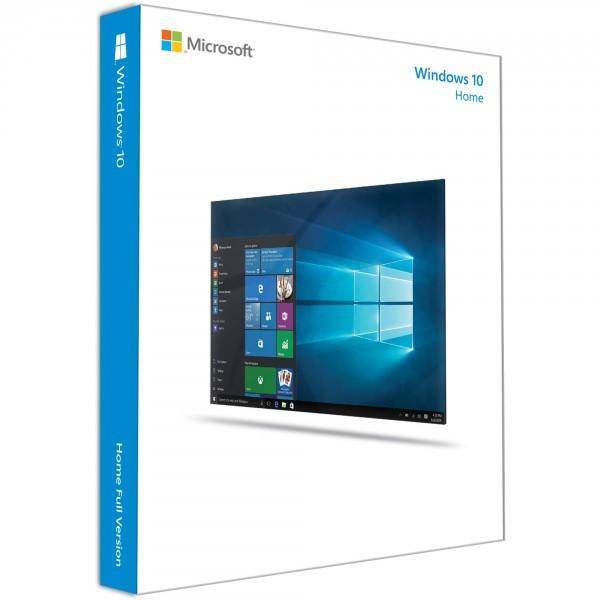
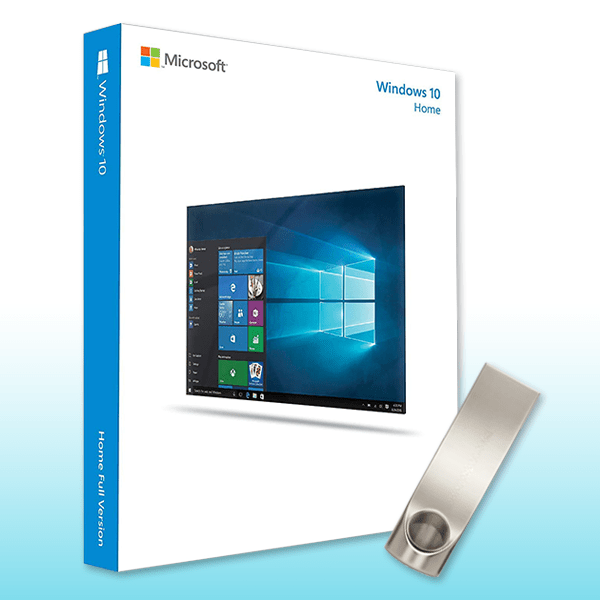
Work efficiently and quickly with Windows 10 Home
With Windows 10 Home, you get a powerful, modern operating system designed for everyday use. The user-friendly interface offers a smooth and intuitive experience for both novice and experienced users.
Windows 10 Home includes numerous features and improvements that make it an excellent choice for personal and professional use.
Key features of Windows 10 Home
Redesigned user interface
The modern and intuitive user interface makes it easier to navigate and perform tasks efficiently. The Start menu is back, providing quick access to frequently used applications.
Microsoft Store
Access a wide range of apps and games directly from the Microsoft Store. The Store is optimized for fast downloads and high performance.
Integrated voice assistant
Cortana helps you with everyday tasks, reminders, and quick access to information to increase your productivity.
Microsoft Edge
The improved Microsoft Edge browser is faster and more resource-efficient, providing a seamless browsing experience.
Security features
Windows 10 Home offers security features such as Windows Hello for logging in using facial recognition or fingerprint, as well as comprehensive protection against malware and threats.
Tablet mode
The optional tablet mode allows users to switch between desktop and touch interfaces – ideal for 2-in-1 devices.
DirectX 12 Ultimate
Experience enhanced graphics support with DirectX 12 Ultimate, ideal for games and graphics-intensive applications.
Compatibility with Microsoft Office 365
Seamless integration with Microsoft 365 for maximum productivity and access to Office applications.
Hardware requirements for Windows 10 Home
| component
|
Minimum requirement
|
| processor
|
1 GHz or faster with at least 2 cores on a compatible 64-bit processor or SoC
|
| R.A.M.
|
4 GB or more |
| memory
|
64 GB or larger storage device
|
| graphics card
|
Compatible with DirectX 12 or later with WDDM 2.0 driver
|
| Screen
|
>9” with HD resolution (720p)
|
| Internet connection
|
Necessary for updates and downloading features
|
Benefits of upgrading to Windows 10 Home
-
Increased productivity: Better multitasking capabilities and an organized user interface help you work efficiently.
-
Gaming enhancements: Windows 10 Home is optimized for gaming and supports features like DirectX 12 Ultimate for outstanding graphics performance.
-
Security at a new level: Advanced security features protect your data and your system.
-
Seamless integration: Integration with Office 365 enables seamless use of office applications.
-
Buy now!
Get a genuine Windows 10 Home license at an unbeatable price from Software-Dealz . If you want to buy Windows 10 , you'll benefit from immediate delivery and reliable support for all your software needs!
FAQs:
1:How do I activate Windows 10 Home key?
Enter the valid Windows 10 Home key in the activation settings to activate your license.
2:How do I install Windows 10 Home from a USB stick?
Create a Windows 10 Home boot stick, restart your PC and follow the on-screen instructions.
3:Is Windows 10 Pro better than Windows 10 Home USB?
Windows 10 Pro offers advanced features for businesses, while Windows 10 Home is ideal for personal use.
4:How do I check if I'm using Windows 10 Home or Pro?
Go to System Preferences and click on "System." Under "About," you'll find your Windows version.