The world of PC operating system is witnessing an exciting change as Microsoft has announced a brand new operating system after almost six years - Windows 11 Professional. This exciting release promises a wealth of innovations compared to its predecessor. Both private users and companies are faced with the question of whether switching to this new version makes sense. Although Windows 11 Professional has not yet been officially released, Microsoft has already revealed some exciting details. In this article, we'll take a closer look at this new operating system so you can decide for yourself if it's worth it for you.
Buy Windows 11 Professional: Perfect choice for self-employed people and small businesses
If you are one of the demanding users, purchasing Windows 11 Pro is the best decision. This operating system is specifically designed for 64-bit computers, so you should make sure your computer meets the requirements. Buying Windows 11 Professional is particularly popular with medium to small companies, freelancers or the self-employed. But demanding private users also like to use the extended functions of this operating system.
Windows 11 Professional offers numerous features that make your work safer and more productive
There are significant improvements, particularly when it comes to communication. With Microsoft Teams already pre-installed, which you can activate after purchase, you can take your video conferences to a new level. The integrated chat function makes communicating with your employees even easier.
The innovations of Windows 11 Pro presented in a compact format In addition to the fresh design and the introduction of Microsoft Teams, there are many other features that make the difference both in the office and at home:
It used to be frustrating trying to find the open windows again after docking and undocking the laptop. That's history now, as Windows 11 Pro leaves your windows in place.
New desktop groups make it easier to switch and organize windows, apps and programs.
The Explorer offers quick access that makes your everyday work easier.
Updates, loading times and booting have been significantly improved.
Less RAM and processor power are required.
The familiar widgets from Windows 7 are back and provide you with real-time information.
System requirements at a glance
If you're thinking about switching to the latest version of Windows, the first thing you should consider is the system requirements. These requirements have increased significantly compared to the previous version of Windows. An important point is that Windows 11 Professional will no longer support 32-bit computers in the future. This means that you can only perform the upgrade if your computer has a 64-bit processor. Additionally, some older processors are no longer supported by the latest version. Also note that your RAM must be at least 4GB for Windows 11 Professional. Additionally, UEFI firmware support is mandatory. These increased requirements mean that older computers may not be able to upgrade to Windows 11.
Faster boot and update times
The goal of developing Windows 11 Professional was to reduce the often long waiting times when starting the operating system. In the past, users often had to wait a long time, especially when installing updates, which could affect productivity. The new version aims to significantly shorten these waiting times.
Updated design of Windows 11 Professional
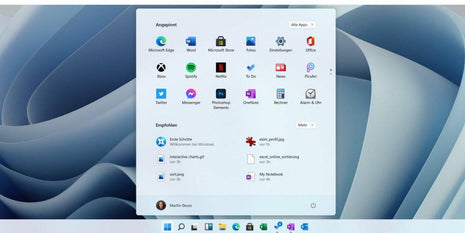
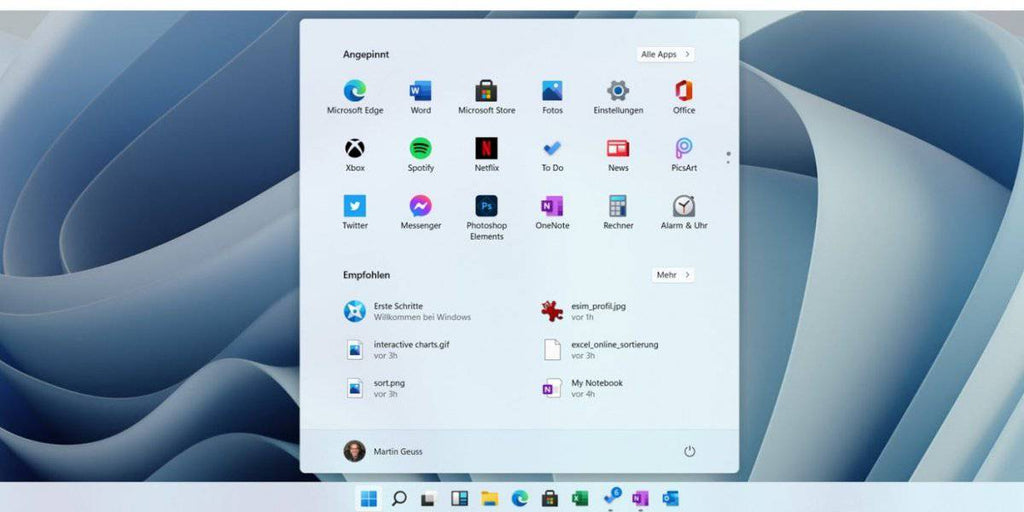
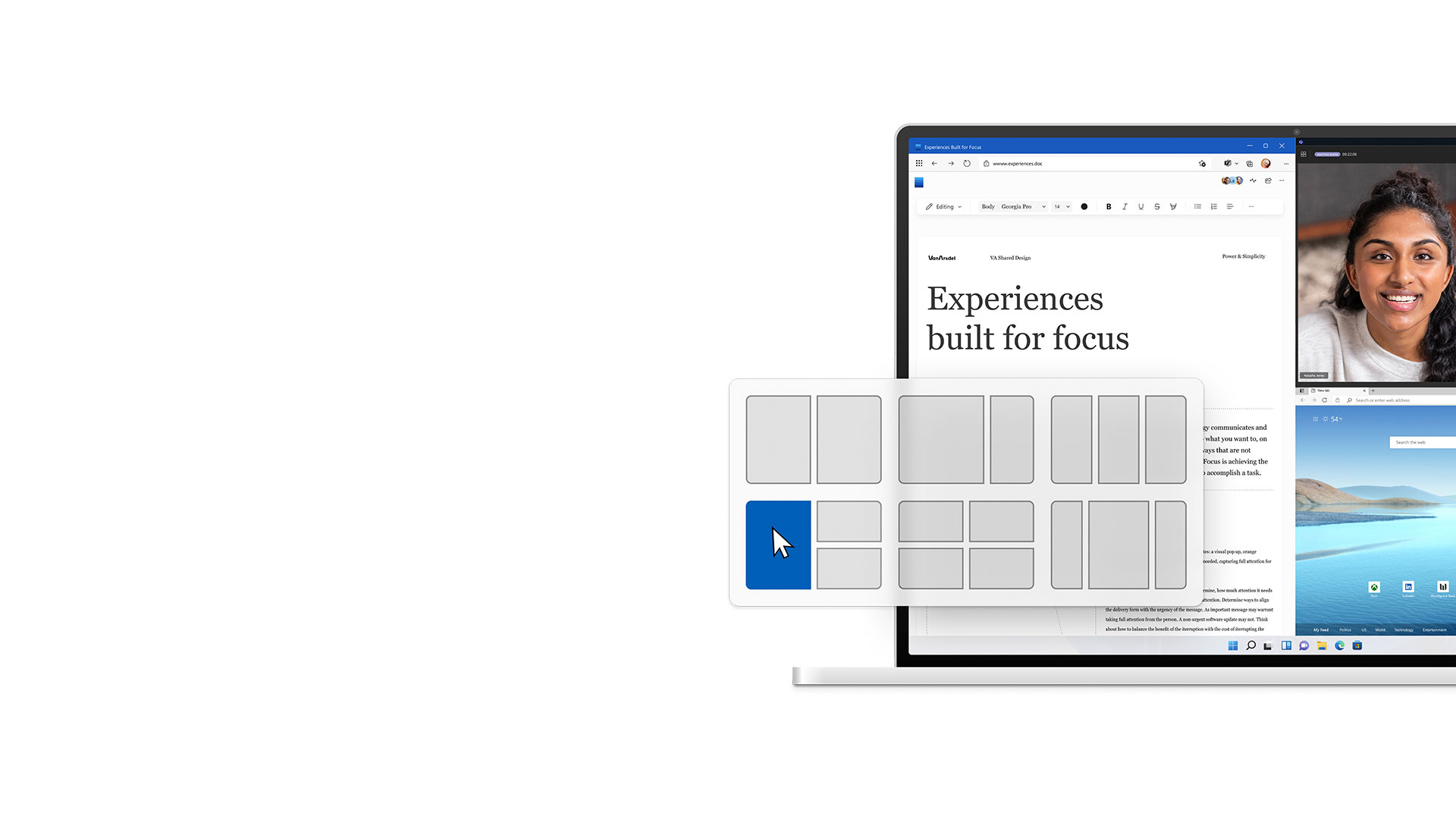
Every new version of Windows brings with it a revised design, and this also applies to Windows 11 Professional. The new design looks modern, but still subtle. The control of the operating system functions is based on the popular start menu, which is still available. It was just placed in the taskbar in the middle of the screen instead of at the bottom. Another innovation is the "snap layouts" and "snap groups", which allow you to open multiple windows at the same time and work with them efficiently.
Improved tablet support
Windows already supports mouse and keyboard as well as touchscreens. This support continues in Windows 11 Professional, with improved tablet support. Tablet mode, which offers a touchscreen-friendly interface, is now automatically activated when no keyboard is detected.
Return of widgets
Windows 7 introduced widgets, small buttons that display current information. However, in subsequent versions they have been removed from the default settings, but are still available if you enable them. In Windows 11 Professional, the widgets have been revised and returned to the default settings. Artificial intelligence ensures you see relevant information, and providers are selected by Microsoft to ensure trust and reliability.
Microsoft Teams integration
Due to the sharp increase in video conferencing during the COVID-19 pandemic, Microsoft has decided to integrate Microsoft Teams directly into Windows 11 Professional. This makes it easier to use this software in both business and personal contexts.
Android app support
Windows PCs and smartphones use different operating systems, which previously made it impossible to run smartphone apps on a PC. Microsoft has improved support for Android apps in Windows 11 Professional, making many of these apps available through the Microsoft Store. This was made possible by creating a special environment that allows execution.
Improved gaming features
Windows 11 Professional offers many benefits for PC gamers, including improved graphics and faster loading times. Support for a variety of peripherals has also been improved. Additionally, Windows users get access to Xbox Game Pass, which offers an extensive library of games.
Increased security for your PC
Threats to PCs have increased significantly in recent years, particularly ransomware. For this reason, Microsoft has revised its security approach, including the Zero Trust approach, which ensures that all information received from other devices is intensively checked. This increases security, especially for hybrid work environments where both personal and work devices are used. Microsoft also emphasizes the importance of security measures such as Windows Hello, whole-device encryption and hypervisor-protected code integrity (HVCI). In addition, Windows 11 Professional places a greater focus on secure hardware that supports all of the security measures mentioned and no longer supports some processors with known security vulnerabilities.
Windows 11 Professional release schedule
Microsoft has not yet announced an exact release date for Windows 11 Professional. The only information about it is that it will be released this year. At Licensing Guru we will keep you updated on all developments and let you know the release date as soon as it is confirmed.
Windows 11 Pro vs Home:
Differences between Windows 11 Pro and Windows 11 Home If you're wondering whether you should buy Windows 11 Pro or Windows 11 Home, here are the main differences. The Pro version offers numerous features for security and convenience in the corporate environment, including Windows Information Protection (WIP) to protect corporate data in the event of data leaks and reliable BitLocker device encryption to protect against loss or theft.
Windows 11 Pro also offers the following advantages over Windows 11 Home:
-Dynamic deployment and configuration of Office via the cloud.
-Simplified configuration thanks to Enterprise State Roaming with Azure AD Premium or Enterprise Mobility Security (EMS) license.
-Separate and protect individual identities through assigned access.
-Easy use of printers and files across user accounts and user groups.
-Integration of the Microsoft Store for Business into the company network for app purchases.
-Support for Active Directory when shared with Windows Server.
-A single sign-in for Windows 11, Microsoft 365 and other Microsoft services thanks to Azure Active Directory.
-Faster and easier updates thanks to Windows Update for Business.
Why you should buy Microsoft Windows 11 Pro at software-dealz.de
-If you buy Microsoft Windows 11 Pro at software-dealz.de, you benefit from numerous advantages:
-Immediate availability: After purchase you will immediately receive the download link.
-Easy and safe installation instructions.
-Attractive purchasing conditions that are passed on directly to you.
-Comprehensive customer service and advice for your concerns.
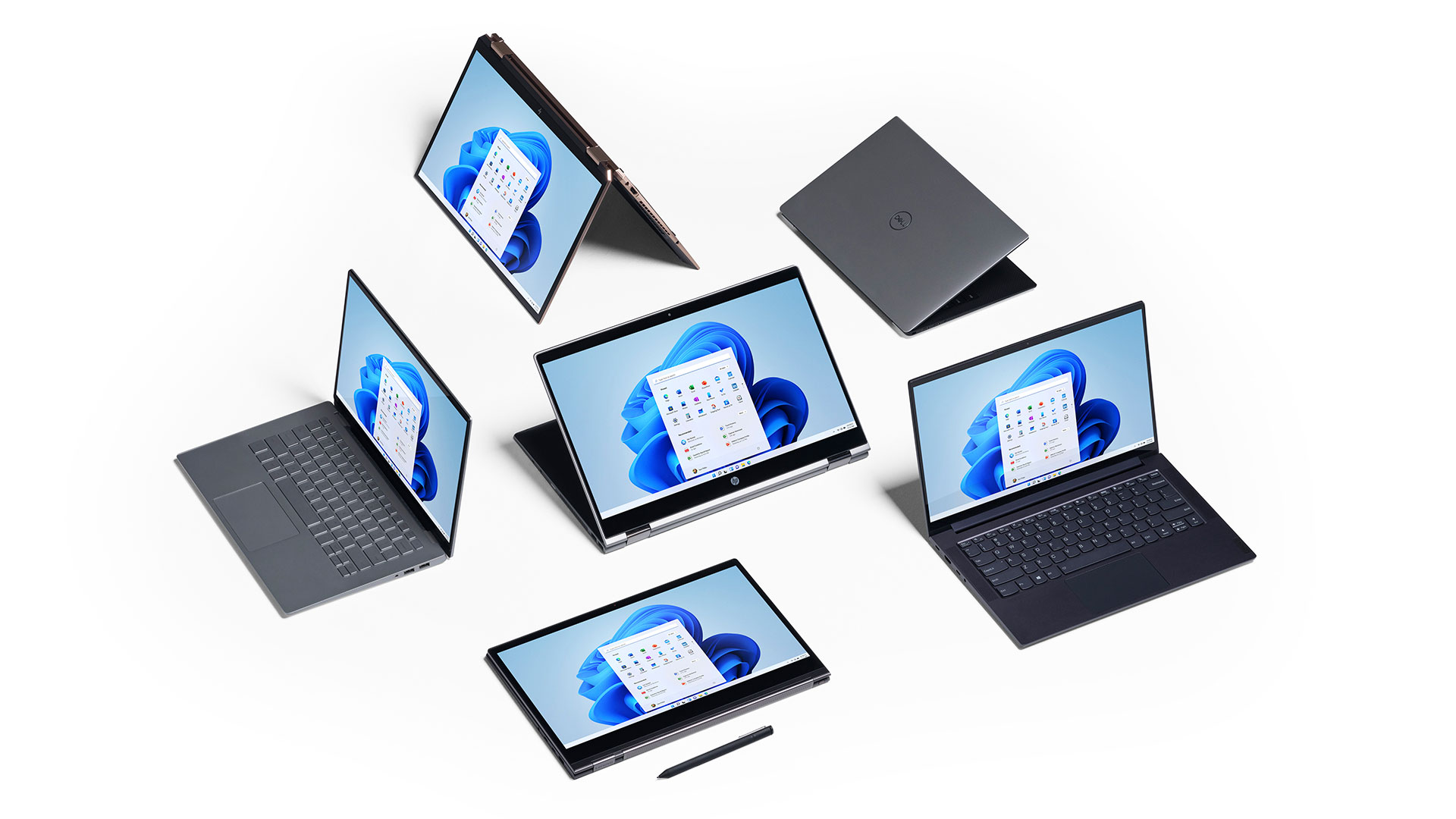
| System requirements |
| processor |
1 gigahertz (GHz) or faster with 2 or more cores on a compatible 64-bit processor or SoC (System on a Chip) |
| display |
> 9-inch with HD resolution (720p) |
| random access memory |
4GB RAM |
| Hard disk space |
64GB or larger storage device |
| graphic card |
DirectX 12 compatible graphics card/WDDM 2.x |
(more detailed information can be obtained from the manufacturer)
|