









Original, legal software licences
We only sell genuine, verified software licences.

Microsoft Office 2021 Professional Plus for Windows is the most comprehensive software collection. It includes Word, Excel, PowerPoint, Outlook, Publisher and Access.
This office package is aimed primarily at businesses, freelancers, self-employed people and various office communities that attach great importance to effective teamwork.
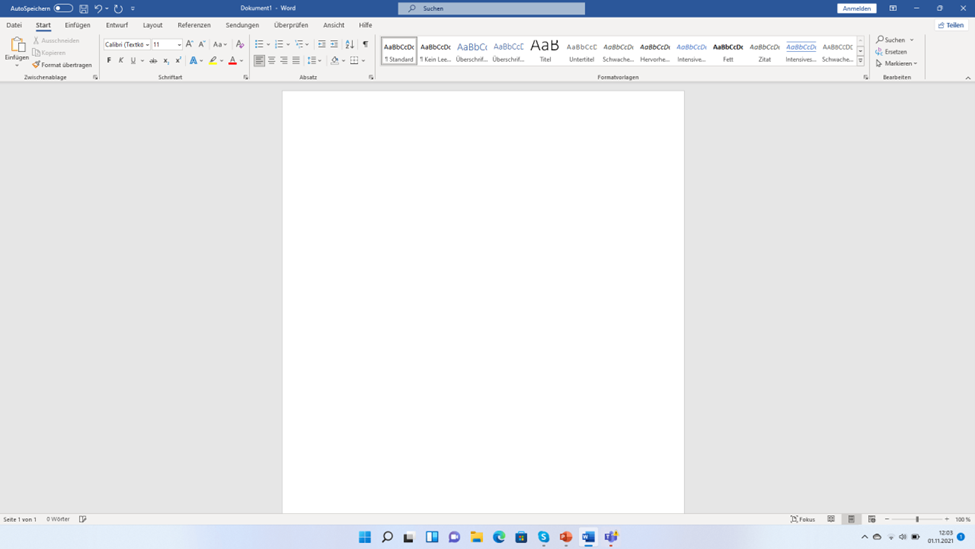
Word 2021: Create and format any kind of text, from short poems to detailed quarterly reports. With new templates and improved design tools, Word 2021 makes it easier than ever to create professional-looking documents. The built-in grammar and style suggestions help you write with confidence and make sure that your documents are polished and error-free.
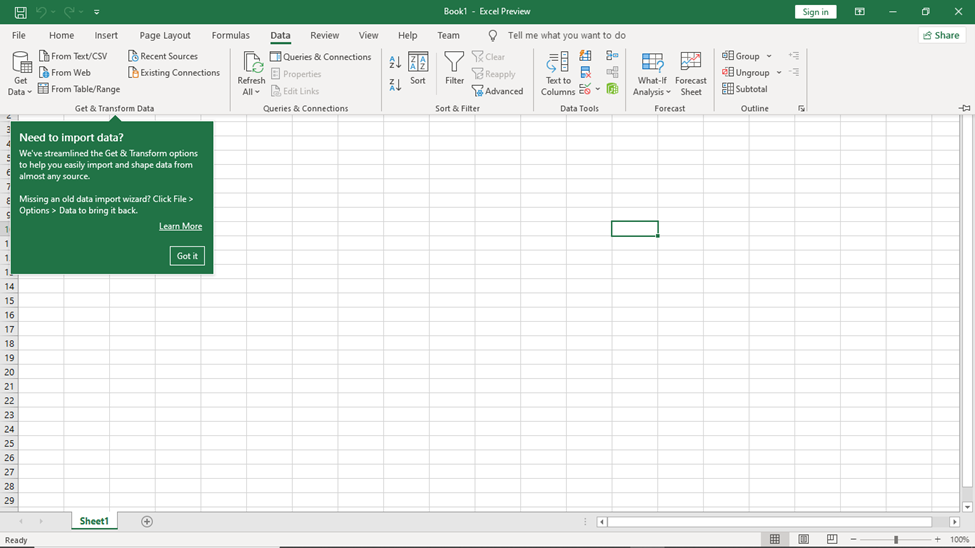
Excel 2021: Solve a variety of quantitative problems, manage data using spreadsheets and visualise data with charts. Whether you are creating financial reports, tracking the progress of projects or analysing market trends, Excel 2021 offers the functionality you need.
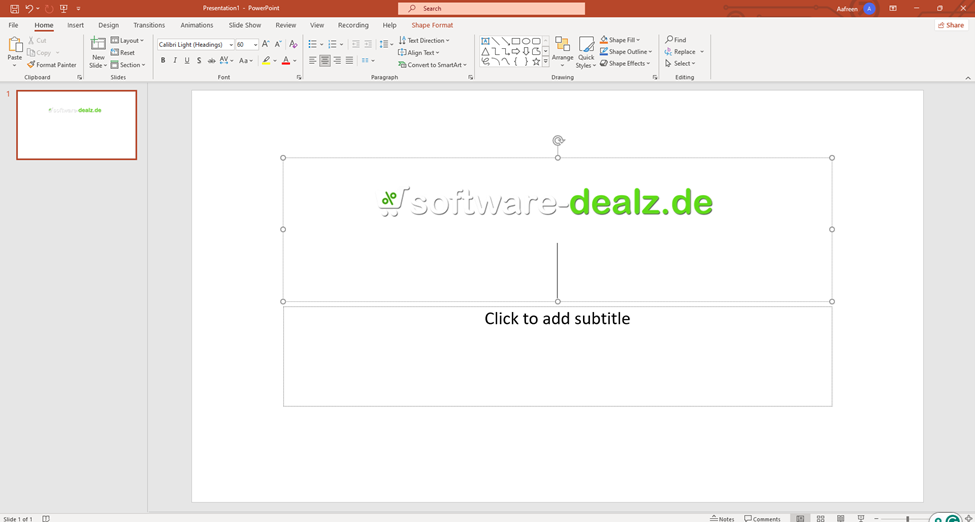
PowerPoint 2021: Develop impressive presentations for business, academic and personal purposes. PowerPoint 2021 includes new transition effects, improved collaboration tools and advanced video editing features. These features make it easier for you to create compelling presentations that capture your audience's attention and get your message across effectively.
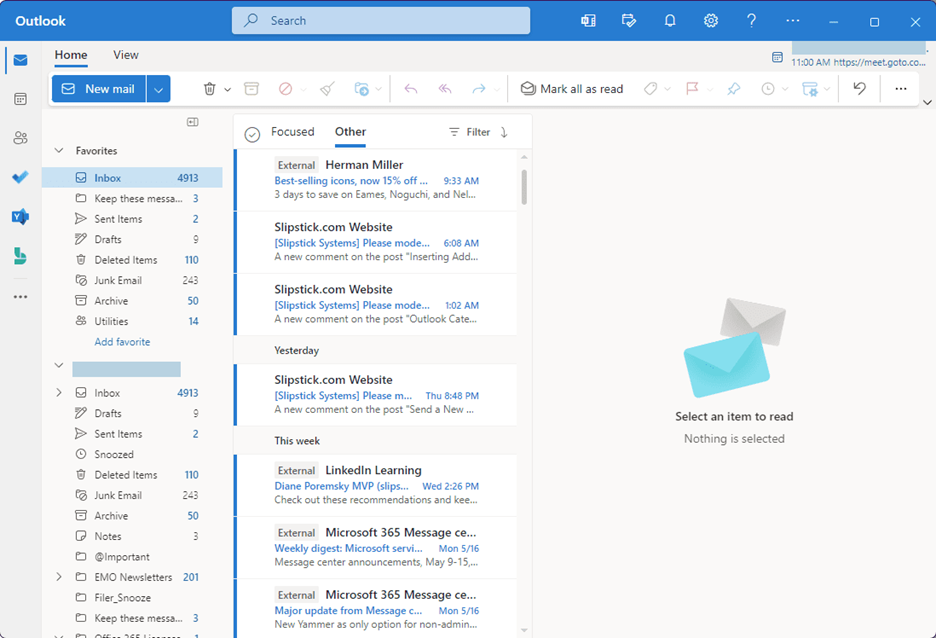
Outlook 2021: Send, receive, forward, save and archive email and manage contacts, tasks and calendars. The improved user interface and the new organisation tools in Outlook 2021 help you keep track of your communication and your schedule. With advanced search functions you can easily find and organise email, contacts and appointments.
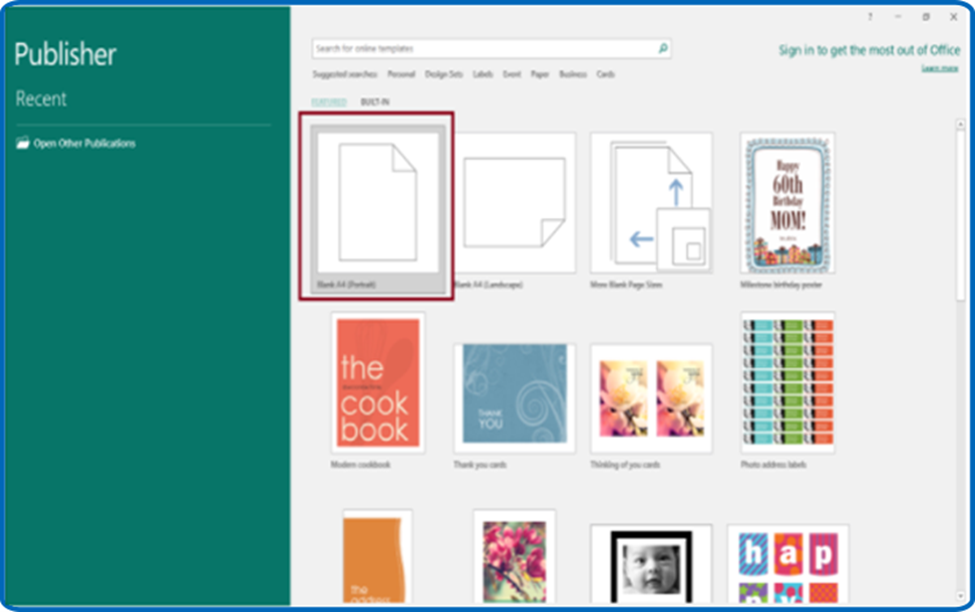
Access 2021: Create PC and web-based apps based on a database. With Access 2021 you can create custom databases and applications that meet your specific requirements. Thanks to improved integration with other Office applications, Access 2021 makes it easier to develop and share your database solutions.
Teams: Make effective teamwork easier with chat, meetings, notes and attachments in one product. Teams provides a central platform for communication and collaboration so that remote and distributed teams can work together more effectively. With features such as video conferencing, file sharing and built-in task management, Teams helps you stay connected and productive.
· Allows easy highlighting and marking of text with a finger or stylus on touchscreens.
· Offers users who prefer touch-enabled devices a natural and intuitive way to interact with documents.
· Supports a wide range of gestures, which makes annotating and editing documents on the go easier.
· The XLOOKUP function lets you search for a term in one column and return a result from another column in the same row.
· Dynamic arrays enable complex calculations and automate repetitive tasks more efficiently.
· Can be used for effective collaboration after download.
· Allows participants in video conferences to use different reactions to interact with the content.
· Allows "breakout rooms" to be set up for smaller, focused discussions.
· Supports integration with other Office applications for seamless sharing and real-time collaboration on documents, spreadsheets and presentations.
· Offers features such as persistent chat, file storage and built-in task management, making it a comprehensive solution for teamwork and communication.
All-in-one solution: Includes essential applications for business productivity. Excellent for creating documents, analysing data, developing presentations and simplifying communication.
Ease of use: Intuitive user interfaces for a quick start. Consistent look and feel across all applications.
Intuitive design: Advanced features provide a seamless experience.
Cost-efficient: Offers a competitive price with a one-off payment. Access to all applications and features with no ongoing subscription fees. Maximises productivity for businesses and individuals.
Buy the licence for Office 2021 Professional Plus download in our shop at an affordable price. After purchase you can download the suite from the server to benefit from its extensive features straight away.
The installation process is straightforward, and you will be ready to go in no time. With your purchase you get access to all the applications and tools included in the suite. You also benefit from regular updates and support from Microsoft.
|
Requirement |
Specification |
|
Processor |
1.6 gigahertz (GHz) or faster, 32-bit (x86) or 64-bit (x64) processor |
|
Operating systems |
Windows 10, Windows 11 |
|
Memory |
At least 2GB RAM |
|
Hard disk space |
At least 3 GB of available storage space |
|
Screen |
At least 1024 x 768 pixels |
|
(for more detailed information, please contact the manufacturer) |
The suite includes Word, Excel, PowerPoint, Outlook, Publisher, Access and Teams.
If you use a Windows 11 device, Microsoft Teams is included.
XLOOKUP lets users search for a term in one column and return a result from another column in the same row.
It serves businesses, freelancers and home users. It also caters for different office environments and offers efficient productivity and collaboration tools.
Microsoft Office 2021 Professional Plus is a one-off purchase, whereas Microsoft 365 is a subscription-based service. Office 2021 Professional Plus offers all the key applications with no ongoing costs, while Microsoft 365 offers additional cloud services and continuous updates.
Software-Dealz offers comprehensive support for Microsoft Office Professional Plus 2021 download, including online resources and customer service. For questions about installation and activation, you can reach us by email and phone, Mon–Fri 10 am–7 pm.


For Windows only. Using a Mac? See software for Mac
Prices compared
Comparison price: the price of another dealer on 10/11/2026.
Prices of other shops for the same edition, fetched on 10/11/2026 at 10:43.
You save 89 %€23.99
Download within minutes


Choose your product and pay securely online.

Download it right after your purchase.

Install it and activate it with the product key from your email.
Microsoft Office 2021 Professional Plus for Windows is the most comprehensive software collection. It includes Word, Excel, PowerPoint, Outlook, Publisher and Access.
This office package is aimed primarily at businesses, freelancers, self-employed people and various office communities that attach great importance to effective teamwork.
Word 2021: Create and format any kind of text, from short poems to detailed quarterly reports. With new templates and improved design tools, Word 2021 makes it easier than ever to create professional-looking documents. The built-in grammar and style suggestions help you write with confidence and make sure that your documents are polished and error-free.
Excel 2021: Solve a variety of quantitative problems, manage data using spreadsheets and visualise data with charts. Whether you are creating financial reports, tracking the progress of projects or analysing market trends, Excel 2021 offers the functionality you need.
PowerPoint 2021: Develop impressive presentations for business, academic and personal purposes. PowerPoint 2021 includes new transition effects, improved collaboration tools and advanced video editing features. These features make it easier for you to create compelling presentations that capture your audience's attention and get your message across effectively.
Outlook 2021: Send, receive, forward, save and archive email and manage contacts, tasks and calendars. The improved user interface and the new organisation tools in Outlook 2021 help you keep track of your communication and your schedule. With advanced search functions you can easily find and organise email, contacts and appointments.
Access 2021: Create PC and web-based apps based on a database. With Access 2021 you can create custom databases and applications that meet your specific requirements. Thanks to improved integration with other Office applications, Access 2021 makes it easier to develop and share your database solutions.
Teams: Make effective teamwork easier with chat, meetings, notes and attachments in one product. Teams provides a central platform for communication and collaboration so that remote and distributed teams can work together more effectively. With features such as video conferencing, file sharing and built-in task management, Teams helps you stay connected and productive.
· Allows easy highlighting and marking of text with a finger or stylus on touchscreens.
· Offers users who prefer touch-enabled devices a natural and intuitive way to interact with documents.
· Supports a wide range of gestures, which makes annotating and editing documents on the go easier.
· The XLOOKUP function lets you search for a term in one column and return a result from another column in the same row.
· Dynamic arrays enable complex calculations and automate repetitive tasks more efficiently.
· Can be used for effective collaboration after download.
· Allows participants in video conferences to use different reactions to interact with the content.
· Allows "breakout rooms" to be set up for smaller, focused discussions.
· Supports integration with other Office applications for seamless sharing and real-time collaboration on documents, spreadsheets and presentations.
· Offers features such as persistent chat, file storage and built-in task management, making it a comprehensive solution for teamwork and communication.
All-in-one solution: Includes essential applications for business productivity. Excellent for creating documents, analysing data, developing presentations and simplifying communication.
Ease of use: Intuitive user interfaces for a quick start. Consistent look and feel across all applications.
Intuitive design: Advanced features provide a seamless experience.
Cost-efficient: Offers a competitive price with a one-off payment. Access to all applications and features with no ongoing subscription fees. Maximises productivity for businesses and individuals.
Buy the licence for Office 2021 Professional Plus download in our shop at an affordable price. After purchase you can download the suite from the server to benefit from its extensive features straight away.
The installation process is straightforward, and you will be ready to go in no time. With your purchase you get access to all the applications and tools included in the suite. You also benefit from regular updates and support from Microsoft.
|
Requirement |
Specification |
|
Processor |
1.6 gigahertz (GHz) or faster, 32-bit (x86) or 64-bit (x64) processor |
|
Operating systems |
Windows 10, Windows 11 |
|
Memory |
At least 2GB RAM |
|
Hard disk space |
At least 3 GB of available storage space |
|
Screen |
At least 1024 x 768 pixels |
|
(for more detailed information, please contact the manufacturer) |
The suite includes Word, Excel, PowerPoint, Outlook, Publisher, Access and Teams.
If you use a Windows 11 device, Microsoft Teams is included.
XLOOKUP lets users search for a term in one column and return a result from another column in the same row.
It serves businesses, freelancers and home users. It also caters for different office environments and offers efficient productivity and collaboration tools.
Microsoft Office 2021 Professional Plus is a one-off purchase, whereas Microsoft 365 is a subscription-based service. Office 2021 Professional Plus offers all the key applications with no ongoing costs, while Microsoft 365 offers additional cloud services and continuous updates.
Software-Dealz offers comprehensive support for Microsoft Office Professional Plus 2021 download, including online resources and customer service. For questions about installation and activation, you can reach us by email and phone, Mon–Fri 10 am–7 pm.
| Applications: | Access, Excel, OneNote, Outlook, PowerPoint, Publisher, Word |
|---|---|
| Language: | All languages |
| Licence term: | Perpetual licence (unlimited) |
| Licence unit: | PC |
| Number of licences: | 1 |
| Platform: | Windows |
| System: | Windows |
| Year: | 2021 |
Only signed-in customers can write a review.
5 - 10 of 79 reviews
16 July 2025 00:00
Nach anfänglichen Lieferschwirigkeiten…
Nach anfänglichen Lieferschwirigkeiten und freundlichen Personal alles super gelaufen
15 July 2025 00:00
Office Programme bestellt
Wir haben für unser kleines Büro Software Lizenzen für Office 21 pro bestellt per der Sticks. Die USB-Sticks waren in zwei Tagen da und das das Aufspielen hat alles prima geklappt.
FG
14 July 2025 00:00
Schnell und unkompliziert.
Schnell und unkompliziert.
30 June 2025 00:00
Schnelle Abwicklung.Leichte Installation
Schnelle Abwicklung.Leichte Installation
30 June 2025 00:00
Passen gut und sind in Ordnung
Passen gut und sind in Ordnung
25 June 2025 00:00
Hat super geklappt
Alles gut soweit, bis auf kleine Probleme bei der Installation
22 June 2025 00:00
Schnell und korrekt
Schnelle und korrekte Abwicklung
22 June 2025 00:00
Preis / Leistung 👍
Sehr schnelle Lieferung.
17 June 2025 00:00
promte Lieferung
promte Lieferung
14 June 2025 00:00
Solide und unkompliziert
Solide, unkompliziert, transparent und schnell - perfekter Einkauf!
Download: Product key and download arrive by email at no charge and are available in your customer account, immediately after online payment.
Data carriers: The USB stick or DVD additionally comes by post: 5,99 € to Germany (1–3 working days), 8,99 € to Austria and 12,49 € to Switzerland (1–4 working days).
Payment methods: Credit card, Apple Pay, Google Pay, Amazon Pay, Klarna, Link, EPS, Przelewy24, TWINT and Revolut Pay, plus prepayment by bank transfer and, for businesses, purchase on invoice. Which online payment methods you see depends on country, currency and device.
All prices are final prices including statutory VAT; for data carriers, plus shipping costs.
100% secure payment


