
 Beim Kauf von Windows 11 Home erhalten Sie
sofortigen Zugriff auf:
Beim Kauf von Windows 11 Home erhalten Sie
sofortigen Zugriff auf:
- Ihren Windows 11 Home Lizenzschlüssel
- Original-Software als Download
- Unterstützung & Support bei der Installation
Windows 11 Home Online kaufen in 3 einfachen Schritten

01.Kaufen
Sicher einkaufen mit SSL-Verschlüsselung.

02.Downloaden
Direkt nach dem Kauf herunterladen.
03.Installieren
Die Software in Sekunden installieren und aktivieren.
Buy Windows 11 Home – Fast, Secure & Direct at Software- Dealz
Windows 11 Home is the next Evolutionary stage of Windows. It is the most significant update of the Windows operating system since Windows 10 . It offers numerous Innovations that aim aim to increase productivity the Users in a flexible and liquid Experience to Improve . Designed to meet today 's hybrids Working environments just to Windows 11 Home is designed to be the most reliable , secure , connected , and powerful Buy Windows 11 operating system all Times be . If She Your system better and more powerful make want is Buying Windows 11 Home is the right choice.
Whatis Windows 11 Home?
Let's discuss what Windows 11 Home is. It's Microsoft's latest operating system, designed specifically for users who use their PCs for everyday tasks, entertainment, and gaming. With a genuineWindows 11 Home key, you get access to a modern and user-friendly interface with enhanced performance and security.
Important Functions the Windows Home Software
-
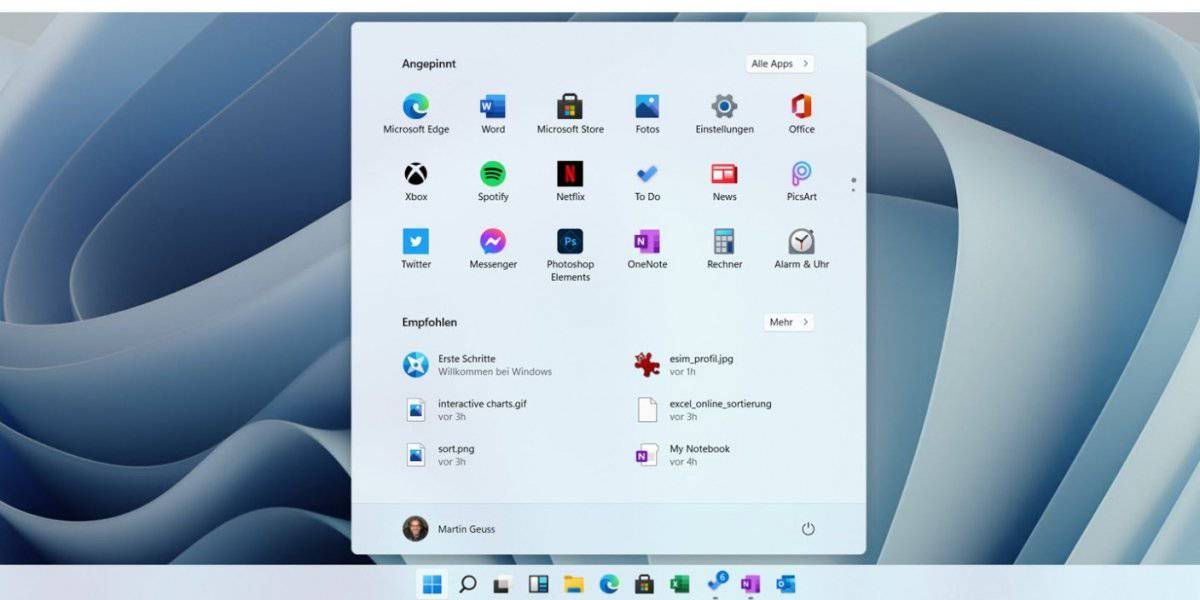
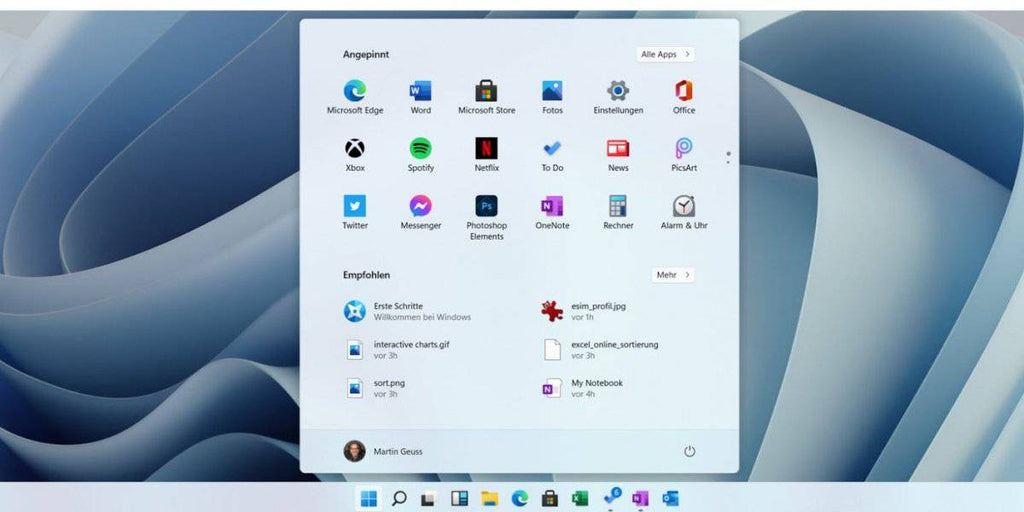
If She Buy Windows 11 Home , get She a completely revised and user-friendly Start menu .
-
Multitasking is facilitated by Snap Layouts – perfect for productive Work with several windows .
-
With Windows 11 Home OEM can You can use Android apps directly on your PC and thus more flexible work .
-
The integration of Microsoft Teams ensures for seamless Communication , no matter whether professionally or private .
-
Her personal Data are excellent protected – with extended Security at its highest level .
-
For activation need She a valid windows 11 home product key , the Them full Access to all Functions offers .
This Windows Home Software is ideal for all who have a smooth and efficient Experience at the Surfing , working and media enjoyment wish .
Enjoy She a faster and optimized system in which advanced tools your productivity daily increase –
Highlights of Windows 11 Home ata glance View
Realize She Her Dreams with the power of the A I
AI - supported Features in Win 11 improve Your PC experience and increase Her Productivity . Enjoy She a more intuitive and powerful system that is modern Requirements developed became .
Intelligent app control
The AI recognizes which apps are under Microsoft Windows 11 Home secure executed become can . These function protects Your system and ensures at the same time for a smooth Sequence trustworthy Applications .
Microsoft Copilot
Copilot is Her personal AI Assistant that helps you anytime to Page stands . He supports She at the Write , search and work more efficiently .
Generative Delete
Remove She unwanted Elements out of Photos , as would be she never there This AI - powered tool makes Photo editing effortlessly .
All Files in one place
The new file Explorer centralized all Her Documents . Find She recommended , favorited and recently used Files quickly , with Autocomplete to acceleration everyday Tasks .
Screen recording light made
Capture or draw She everything that is on your Screen displayed will – with dem Snipping Tool. Click , frame drag , save – so easy is it .
Connect She Your PC with your smartphone
With Phone Link you can She Your Android™ or iPhone ® device with Sync with your PC . See She Notifications , send She Messages and make She calls direct from the computer .
Time savings with Snap Layouts
Organize with Snap Layouts She Window efficient . Fit She Your screen and concentrate She focus on the essentials .
Security for the AIera
Windows 11 Home offers advanced Security layers for Her Peace of mind . Her digital Life remains protected – in your hands .
Modern design
Microsoft Windows 11 offers a completely revised , elegant design. Rounded corners , a centered Start menu and new Symbols care for for a fresh , modern look & feel.
Snap Layouts & Virtual Desktops
Organize with Snap Layouts She Her Window fast and efficient . Virtual desktops enable it , different Work areas for different Tasks to create .
Gaming Mode & Auto HDR
Gaming mode optimizes performance at the Play . Experience with Auto HDR She more intensive Colors and better Graphics quality – for a impressive gaming experience .
Security & Registration
Windows 11 protects with extended Security features . Functions how to enable Windows Hello one fast and secure Login via facial recognition or Fingerprint .
Microsoft Teams & RDP access
Microsoft Teams is direct integrated to facilitate chats and meetings Access via Remote Desktop ( RDP ) You from anywhere safely to your PC .
Copilot in Windows 11 Home –Quick Guide
1. Find a copilot
If you have Windows 11 64-bit , you will usually find Copilot directly in the Taskbar or in the Start menu . Should it missing , you can simply himself install .
2. Log in and start
Open Copilot and report you with your Microsoft account . you get access to chat history , voice functions and more smart tools.
3 . Faster Access via keyboard shortcut
With Alt + Space you can use Copilot at any time open . This function lets in the settings activate or turn off .
4. Talk to copilot
Hold Alt + Space for 2 seconds Press to activate Copilot by voice command to to use . A microphone shows you that Copilot is listening .
5. Voice control adjust
Adjust the voice function under Settings – choose whether you want to press the button hold or once press want .
More from Windows 11 Home
Copilot helps you , faster to work , better to search and make your PC more efficient to use – perfectly integrated into your system .
Your Windows 11 Home license
If you want to improve your PC want is one real Windows 11 Home license just the right thing . You gives you access to all Features , including Copilot. At Software- Dealz you can easily and safely Buy Windows 11 Home . Instant download, easy Activation and full Functionality .
On the Search after cheap Windows 11 keys?
Get your Buy Windows 11 key quickly and conveniently – at us you will find reliable Offers .
Why at Software- Dealz buy ?
✔ Genuine Windows 11 Home license for the cheap Price
✔ Instant download and easy activation
✔ Update She Your PC with the latest Windows Home Software
✔ Modern design with improved Speed and performance
✔ Snap layouts and virtual desktops for better multitasking
✔ Integration of Microsoft Teams for seamless communication
✔ Advanced Security with Windows 11 Home features
✔ Legal and tested software – trustworthy Windows 11 operating system buy
✔ Expert support for Her Windows 11 Home Keys anytime available
Close itself thousands satisfied Customers who use software deals for trust safe , affordable and genuine software.
A notice : To start the installation wizard to your PC must be equipped with Windows 10 version 2004 or higher run . In addition should at least 9 GB free Storage space available to be able to use Windows 11 Home to download .
Windows 11 Home minimum system requirements
|
component |
Requirement |
|
processor |
1 GHz or faster, 2 or more cores, 64-bit processor or SoC |
|
R.A.M. |
4 GB |
|
memory |
64 GB or more |
|
System firmware |
UEFI, Secure Boot capable |
|
TPM |
TPM version 2.0 |
Copilot+ PC requirements
|
component |
Requirement |
|
processor |
NPU with 40+ TOPS: AMD Ryzen™ AI 300, Intel® Core™ Ultra 200V, Snapdragon® X |
|
R.A.M. |
16 GB DDR5 / LPDDR5 |
|
memory |
256 GB SSD / UFS |
|
component |
Requirement |
|
processor |
1 GHz or faster, 2 or more cores, 64-bit processor or SoC |
|
R.A.M. |
4 GB |
|
memory |
64 GB or more |
|
System firmware |
UEFI, Secure Boot capable |
|
TPM |
TPM version 2.0 |
Windows 11 vs Windows 10 comparison
|
function |
Windows 11 |
Windows 10 |
|
touchscreen |
✔ (Improved) |
✔ (Basic) |
|
Widgets |
✔ (Integrated) |
✖ (News & Interests only) |
|
TPM 2.0 |
✔ (Required) |
✔ (Optional) |
|
Advanced network security |
✔ (Improved) |
✔ (Basic) |
|
Synchronization of PC and phone |
✔ (Android & iPhone) |
✔ (Android only) |
|
Windows on ARM |
✔ (Improved) |
✔ |
|
Narrator (screen reader) |
✔ (Natural voices) |
✔ (Basic) |
|
Contrast designs |
✔ |
✔ |
|
Voice Access |
✔ (Full commands) |
✖ (Dictation function only) |
|
Microsoft Store |
✔ (Redesigned) |
✔ (Basic) |
|
Photos app |
✔ (iCloud integration, background blur) |
✔ (Basic) |
|
Paint |
✔ (AI tools) |
✔ (Basic) |
|
Snipping Tool |
✔ (Screen recording) |
✔ (Basic) |
|
Digital pen input |
✔ (Improved) |
✔ (Basic) |
|
Windows Backup |
✔ (Backup and Restore) |
✔ (Backup only) |
Below you will find all information about shipping and payment conditions:
Prices
The prices stated on the product pages include statutory VAT and other price components.
Shipment
Delivery of download products:
Delivery is exclusively digital via email. This is free of charge to all of the countries we specify.
For all payment methods except prepayment and purchase on account, digital shipping takes place within 1 minute after successful processing of the payment.
Delivery of physical products:
You will receive your personalized product key, along with your data storage device (CD/DVD/USB), and installation instructions by mail 1-3 business days after receipt of payment. Shipping within Germany costs €5.99, to Austria €8.99, and to Switzerland €12.49 and may take 1-5 business days.
You will receive a tracking number for each shipment via email, which you can use to track your shipment using the following link:
(Please provide the shipping date from the email and your tracking number.)
Our payment options:
- PayPal
- Prepayment
- credit card
- Statispay
- Pay with Klarna
- EPS
- Purchase on account for companies
Further details on payment
- Your credit card account will be charged upon completion of the order.
- If paying by invoice, the invoice amount must be paid within 14 days.
- Purchase on account is only available to companies.
In order to offer you Klarna's payment options, we will transmit personal data, such as contact details and order details, to Klarna. This allows Klarna to assess whether you are eligible for the payment options offered through Klarna and to adapt the payment options to your needs. General information about Klarna can be found here. here . Your personal information will be processed by Klarna in accordance with applicable data protection regulations and as stated in Klarna's privacy policy treated.
1. Buy
Benefit from our low prices and offers.
2. Download
You can download and use your software immediately.
3. Receive key
You will receive the product keys for your software by email.
4. Activate
Activate the software with the product key received by email.
A notice:
This only applies to the instant download version and requires receipt of payment.
If you purchased your software as a USB/DVD, you will receive the product key and the data carrier by post within 3 working days of receipt of payment. Install the software via the data carrier and then simply activate it with the included product key.
100% SICHERE ZAHLUNG
Your payment information is processed securely. We do not store credit card details nor have access to your credit card information.
Windows 11 Home Online kaufen in 3 einfachen Schritten
01.Kaufen
Sicher einkaufen mit SSL-Verschlüsselung.
02.Downloaden
Direkt nach dem Kauf herunterladen.
03.Installieren
Die Software in Sekunden installieren und aktivieren.
Beim Kauf von Windows 11 Home erhalten Sie
sofortigen Zugriff auf:
- Ihren Windows 11 Home Lizenzschlüssel
- Original-Software als Download
- Unterstützung & Support bei der Installation
Product recommendations
last seen
Windows 11 Home is the standard version of Microsoft's new operating system. It's aimed at home users and offers all the basic features for everyday use—ideal for working from home, streaming, gaming, and surfing.
You can buy a genuine Windows 11 Home key directly from Software-Dealz – with full support, fast delivery, and a guaranteed genuine product.
A Windows 11 Home key is a product key used to activate the Windows 11 Home edition. It ensures that your version of Windows is genuine and unlocks all features of the operating system.
Nein, jede Windows 11 Home Lizenz ist für einen PC bestimmt. Wenn Sie Windows 10 auf mehreren Computern installieren möchten, benötigen Sie entsprechend mehrere Lizenzen. Bei uns erhalten Sie Mengenrabatte ab 3 Lizenzen.
Bei digitaler Lieferung erhalten Sie Ihren Product Key innerhalb von 1-5 Minuten nach Zahlungsbestätigung per E-Mail. Bei USB/DVD-Versand erfolgt die Lieferung innerhalb von 1-3 Werktagen per Post mit Tracking-Nummer.
Windows 11 Home Kompatibilität:
Läuft optimal mit:
- Intel 8th Gen+ oder AMD Ryzen 2000+ Prozessoren
- 8GB+ RAM und SSD-Speicher
- TPM 2.0 Chip und UEFI Firmware
- DirectX 12 kompatible Grafikkarte
Läuft eingeschränkt mit:
- Intel 7th Gen oder AMD Ryzen 1000 (Manual Install nötig)
- 4GB RAM (Minimum, aber nicht empfohlen)
- Ältere Grafikkarten (reduzierte Gaming-Performance)
Läuft NICHT mit:
- Prozessoren vor Intel 6th Gen / AMD FX-Serie
- Systemen ohne TPM 2.0 oder UEFI
- 32-Bit Systemen (nur 64-Bit unterstützt)
Sie können Windows 11 Home direkt und sicher über Software-Dealz.de kaufen – mit sofortigem Produktschlüssel und E-Mail-Zustellung.
Ja – Windows 11 Home unterstützt Microsoft Office 2024 vollständig, einschließlich der Editionen Home, Home & Business, Professional oder LTSC 2024.
Kurzzusammenfassung:
Prüfpunkte
Details
Betriebssystem
Windows 11 Home (auch SModus, sofern man diesen verlässt)
Office 2024
Unterstützt – Office 2024 erfordert Windows 11 oder Windows 10
Installation im SModus
Im Windows 11 Home SModus nur über Microsoft Store möglich – besser: SModus deaktivieren
Systemanforderungen
Mind. Windows 11/10, DualCore CPU (≥ 1,1 GHz), 4 GB RAM, 4 GB freier Speicherplatz, Display ≥ 1280 × 768